Petstore: Themes
The Themes page (/console/dev/themes) shows the console's stock themes and one custom token theme, switchable
with a ?theme= query parameter. It has a swatch card that names the active theme, a picker card that links every
choice, and a card that prints the <@theme> and <@token> markup that produces the custom theme. Theming lives
in the chrome template, not in the page, so this page is mostly a switch that feeds base.ftlh.
How the choice reaches the chrome
ThemesRest validates ?theme=. The default is the first stock theme, open. A name outside the choices is a 400
that lists them. The choice reaches base.ftlh as the petstoreTheme view attribute, which feeds
<@console theme=...>:
<@console brand="Juneau Petstore" title=(pageTitle!"") theme=(petstoreTheme!"open") schemeToggle=true>
Every other petstore page leaves the attribute unset, so they all draw in open.
Stock themes and the custom one
The choices are the framework's built-in names followed by custom:
| Name | Meaning |
|---|---|
open, light-red, light-brown, red, gray | The stock themes from ConsoleChromeMixin.BUILTIN_THEME_NAMES |
custom | The light-brown theme plus three token overrides |
For ?theme=custom the page sets petstoreTheme to light-brown and petstoreCustomTheme to true.
The page in each choice:
open | light-red |
|---|---|
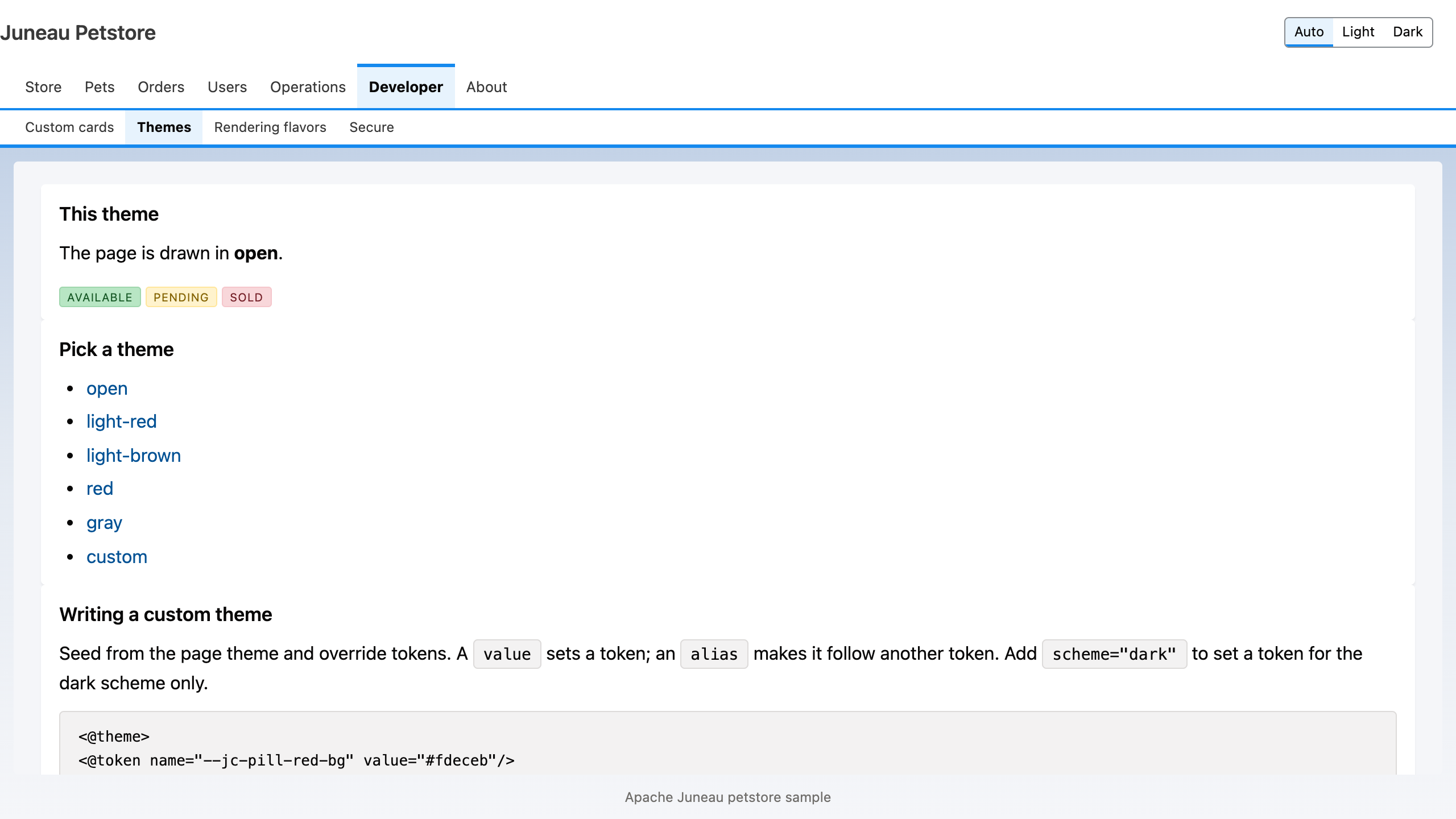 | 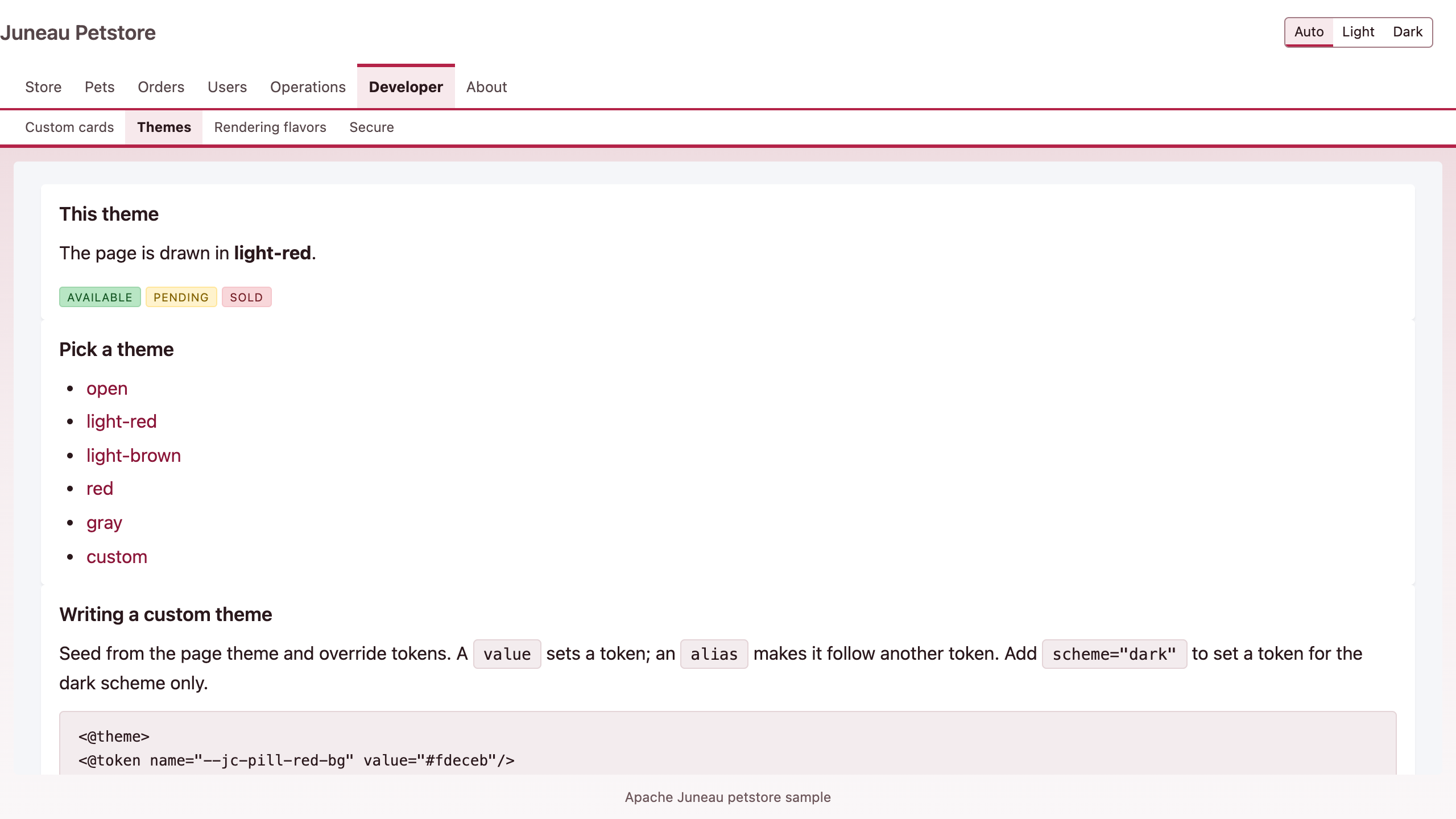 |
light-brown | red |
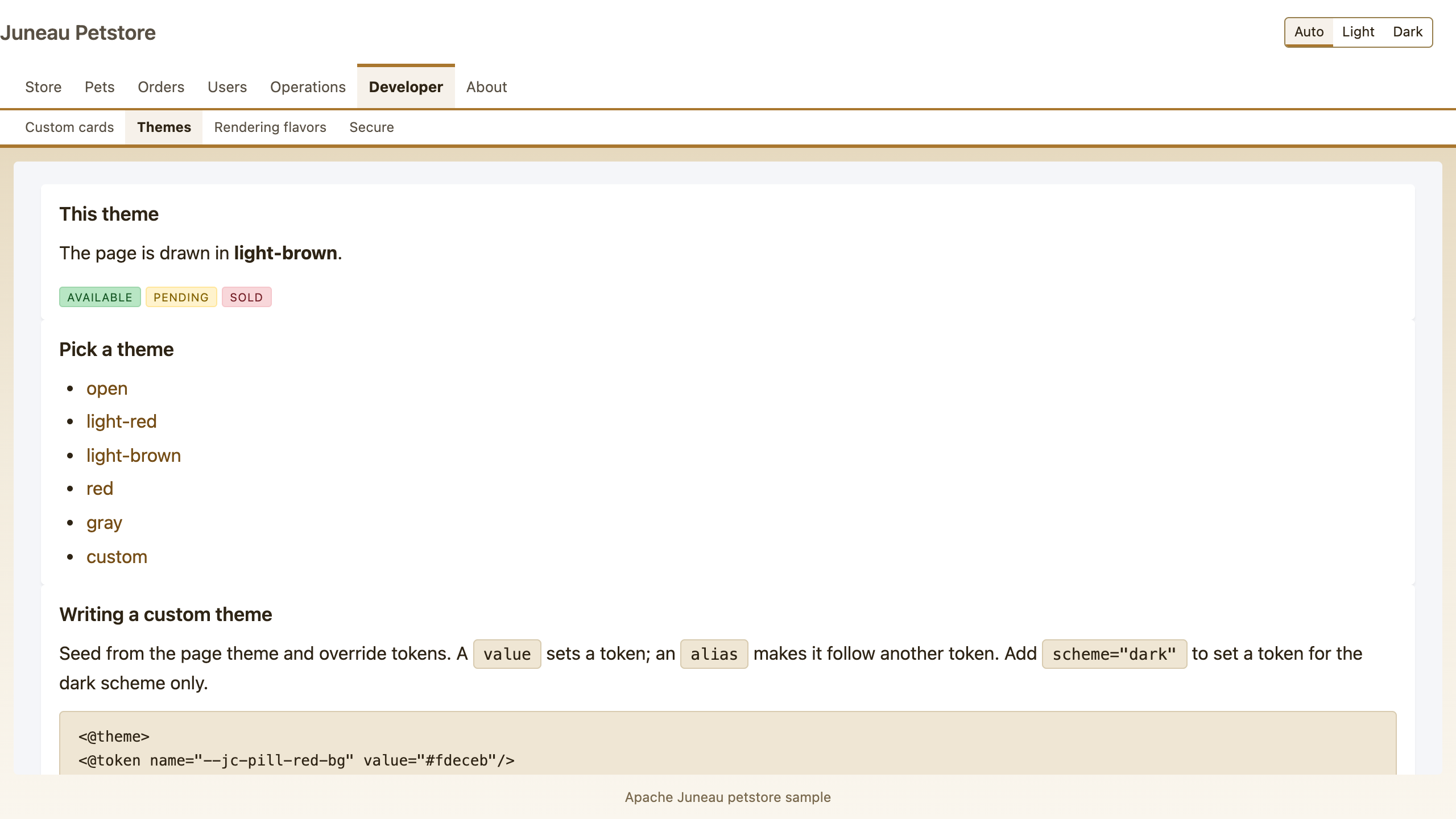 | 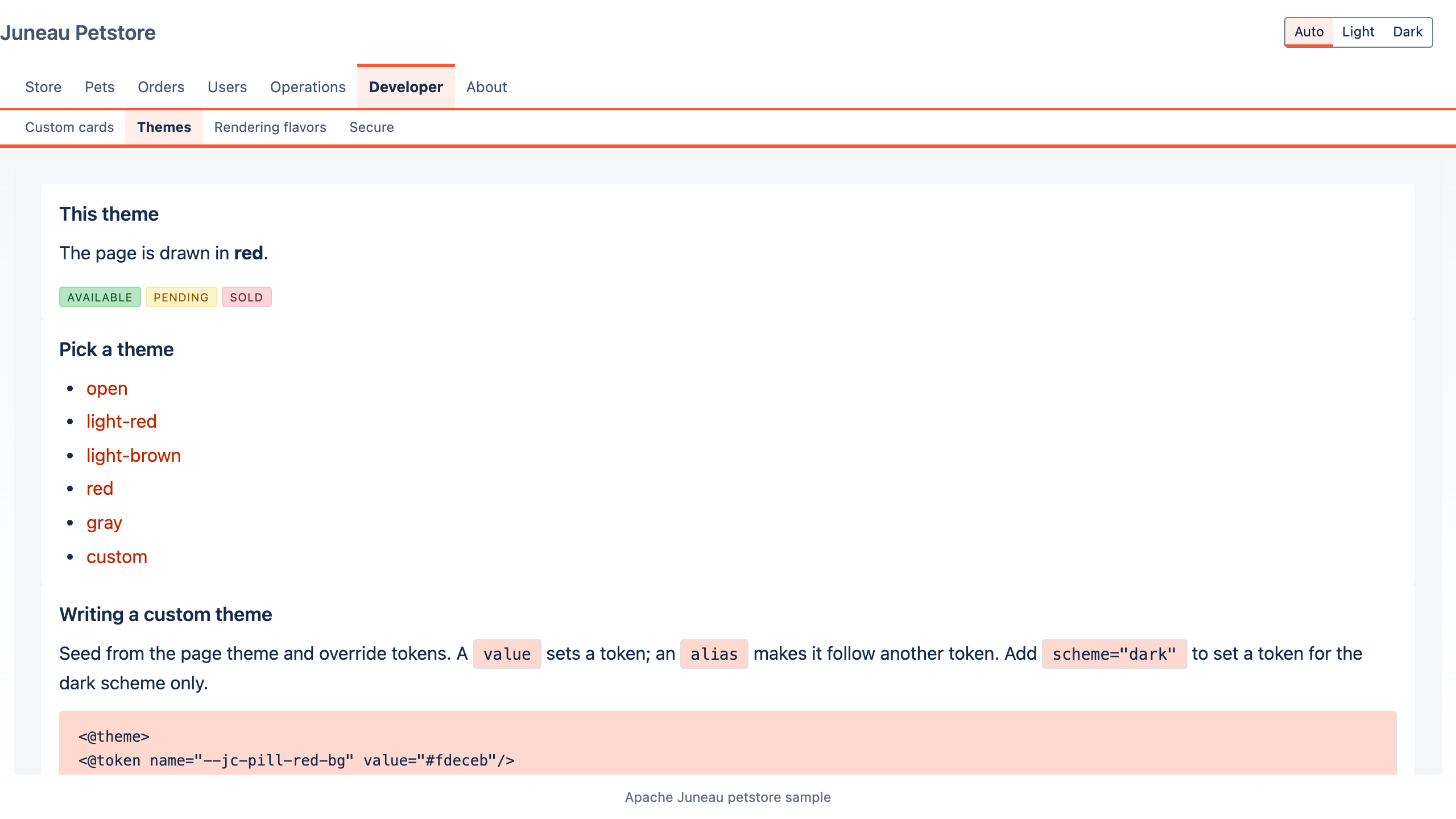 |
gray | custom |
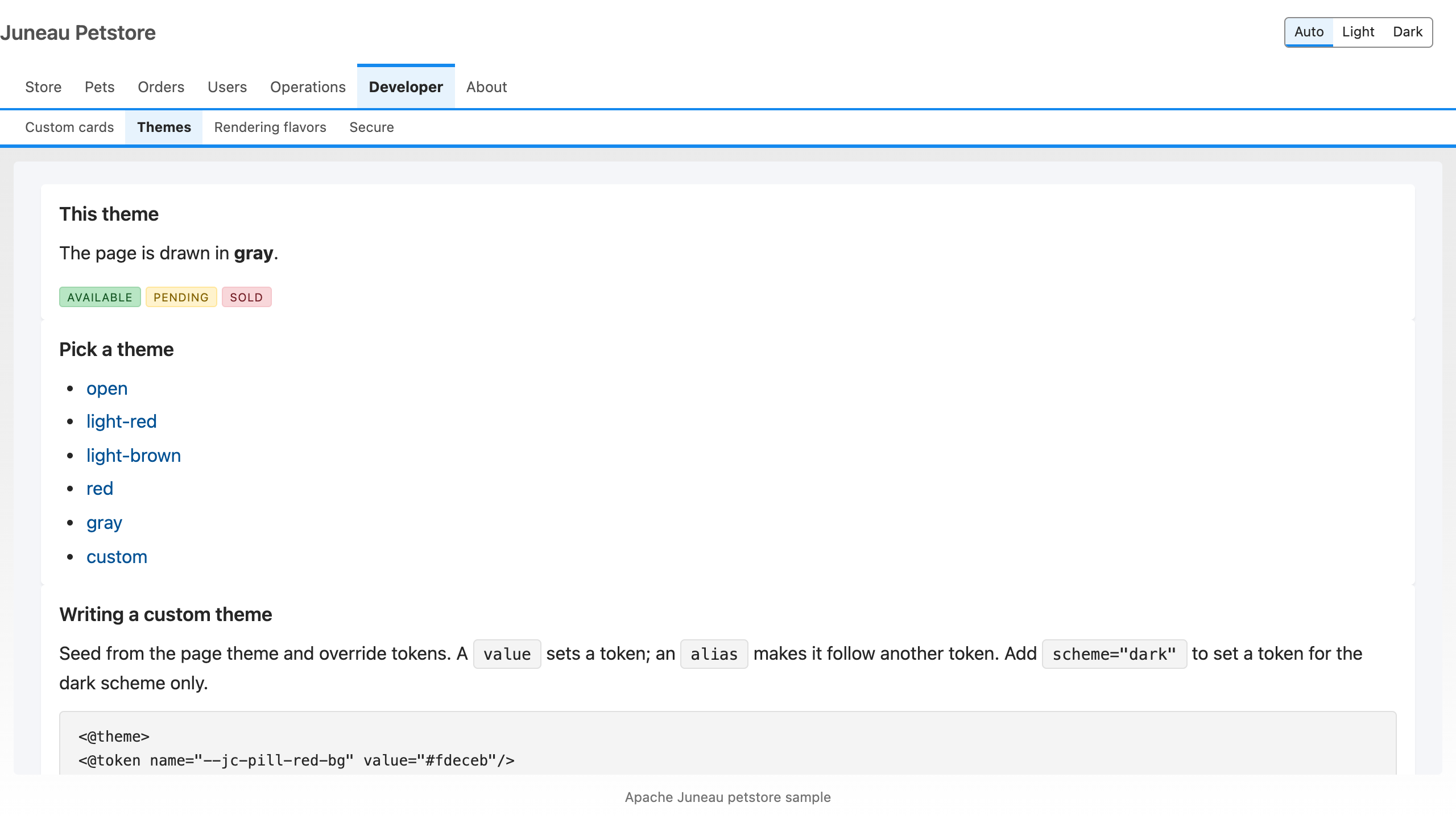 | 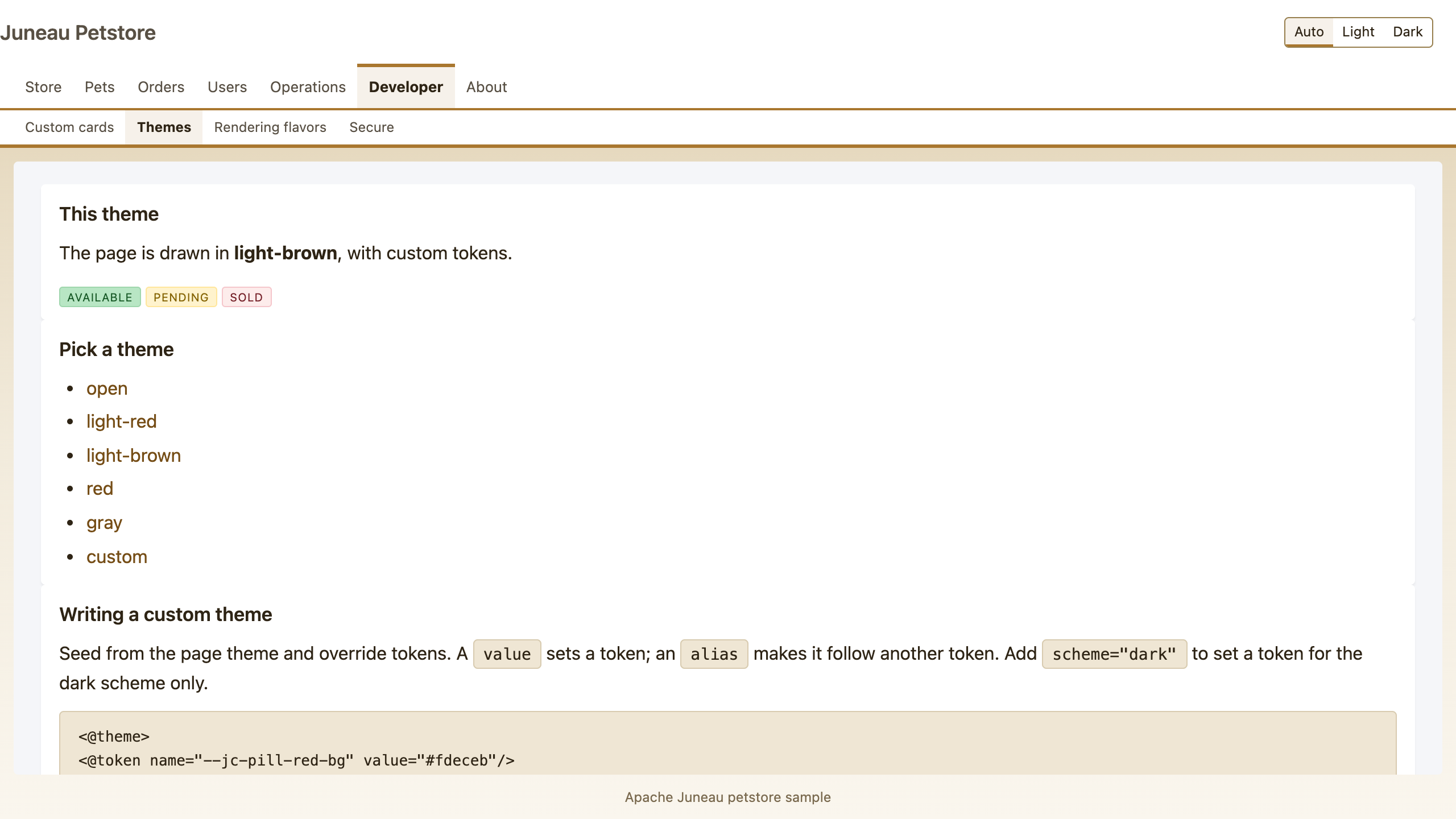 |
The nameless theme
base.ftlh turns on a <@theme> block with no name, only when petstoreCustomTheme is set. A nameless block
inherits the page theme (here light-brown) and layers its tokens on top, so you override a few tokens without
redefining a palette. A token takes either a value or an alias that follows another token, and
scheme="dark" limits it to the dark scheme.
Template
The override block as it appears in base.ftlh:
<#if petstoreCustomTheme!false>
<@theme>
<@token name="--jc-pill-red-bg" value="#fdeceb"/>
<@token name="--jc-tab-bar-bg" alias="var(--jc-card-bg)"/>
<@token name="--jc-link" value="#d9a65c" scheme="dark"/>
</@theme>
</#if>
Builder twin
The builder page does not emit the chrome itself. It carries the same two attributes the template page does, and
the chrome (base.ftlh) draws the theme from them:
return PageSpec.create().tab("dev/themes")
    .attr("petstoreTheme", theme).attr("petstoreCustomTheme", custom)
    .html("swatches", "This theme", ...)
    .html("picker", "Pick a theme", ...)
    .html("authoring", "Writing a custom theme", ...);
ThemesRest passes light-brown as the theme and custom as true for ?theme=custom, so
GET /console/dev/themes?theme=custom&builder and the template page render the same custom theme.
Source: ThemesRest in juneau-petstore/juneau-petstore-core/src/main/java/org/apache/juneau/petstore/console/dev/;
DevPageBuilders.themes in .../console/pages/; themes.ftlh and base.ftlh under
.../console/templates/.
Tests: ThemesRest_Test, PetstoreThemes_BrowserTest.