How non-committers can contribute code
This guide is for those who are new to Juneau and want to contribute code, specifically those who do not have write access to our repositories:
Step-by-step guide
-
Create a fork of the repository you want to contribute to - https://github.com/apache/juneau or https://github.com/apache/juneau-website - the fork button is in the top right corner

-
Clone your fork of the repository locally
-
Make changes to your local clone. If you haven't already, create a JIRA issue.
-
Commit them locally, using the commit format of
"JIRA-TICKET - What you changed"e.g."JUNEAU-123 - Made JUNEAU better." -
Push these changes to your fork
-
Navigate back to your fork or to our github repositories and you'll see an option to create a new pull request.
-
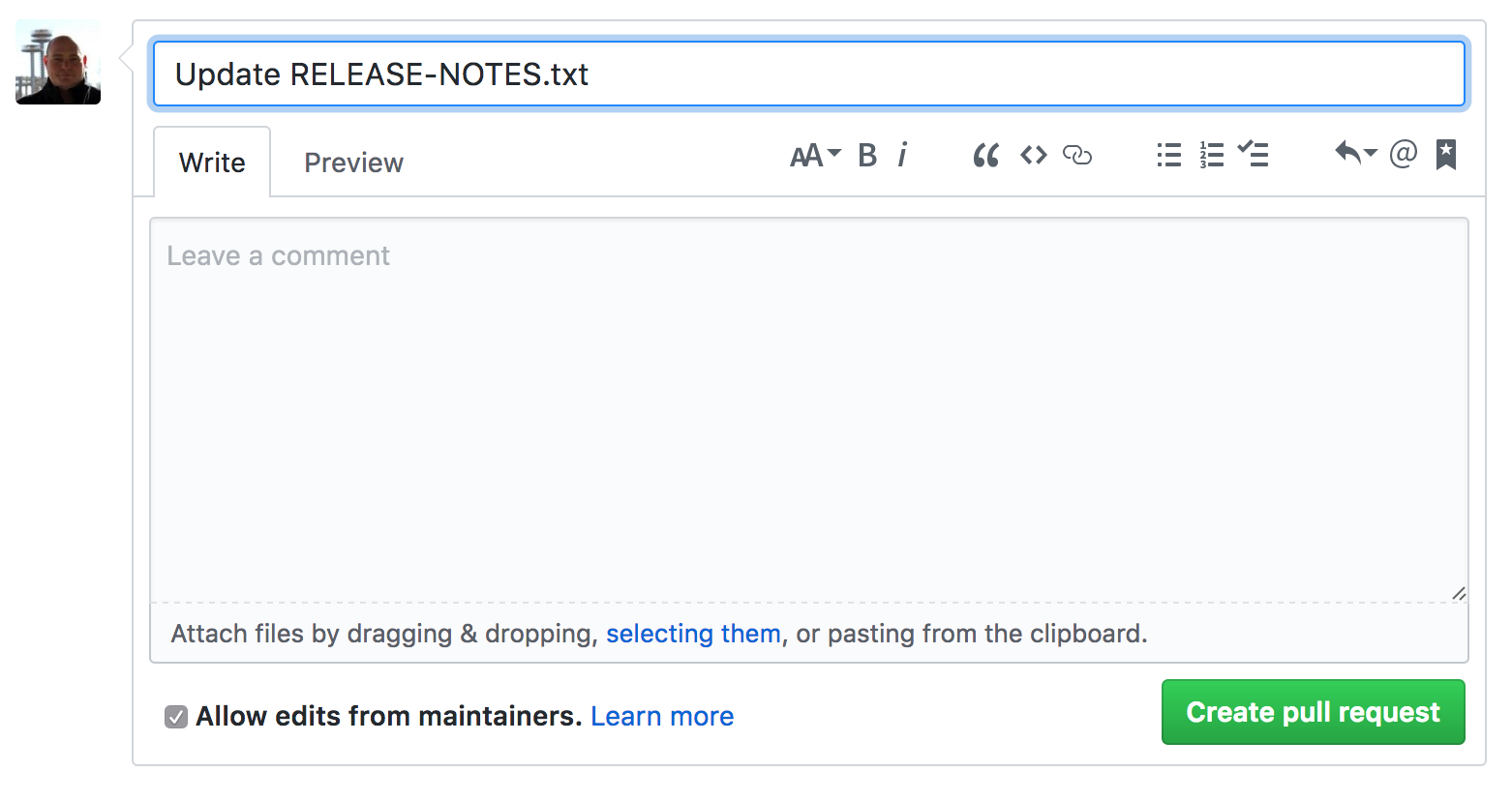
Click on the blue link "Pull request" to bring up the create pull request screen.
-
After you've filled out a title and description, click on the green "Create pull request" button.
Share feedback or follow-up questions for this page directly through GitHub.